Themes and Customization#
BsuTennis comes with built-in color themes to instantly change the look of your court visualizations.
Applying a Theme#
Pass the theme argument when initializing TennisCourt or calling joint_plot.
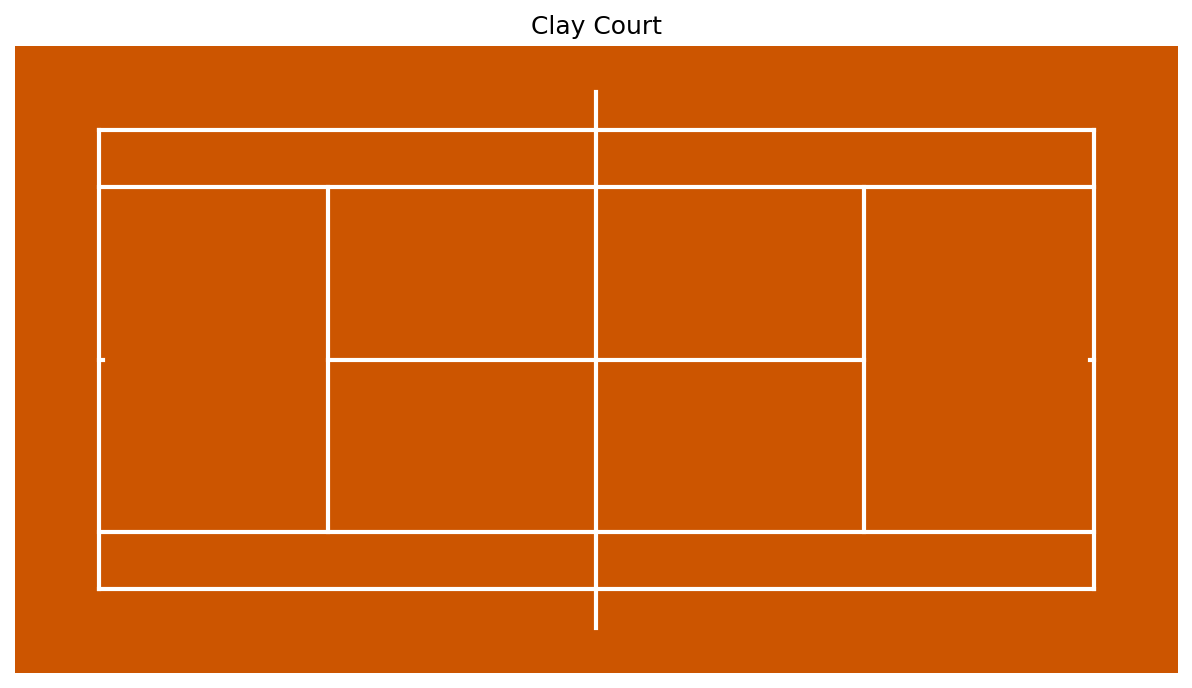
# Create a Clay Court
court = TennisCourt(theme='clay')
Built-in Themes#
Theme Name |
Description |
Pitch Color |
Line Color |
|---|---|---|---|
|
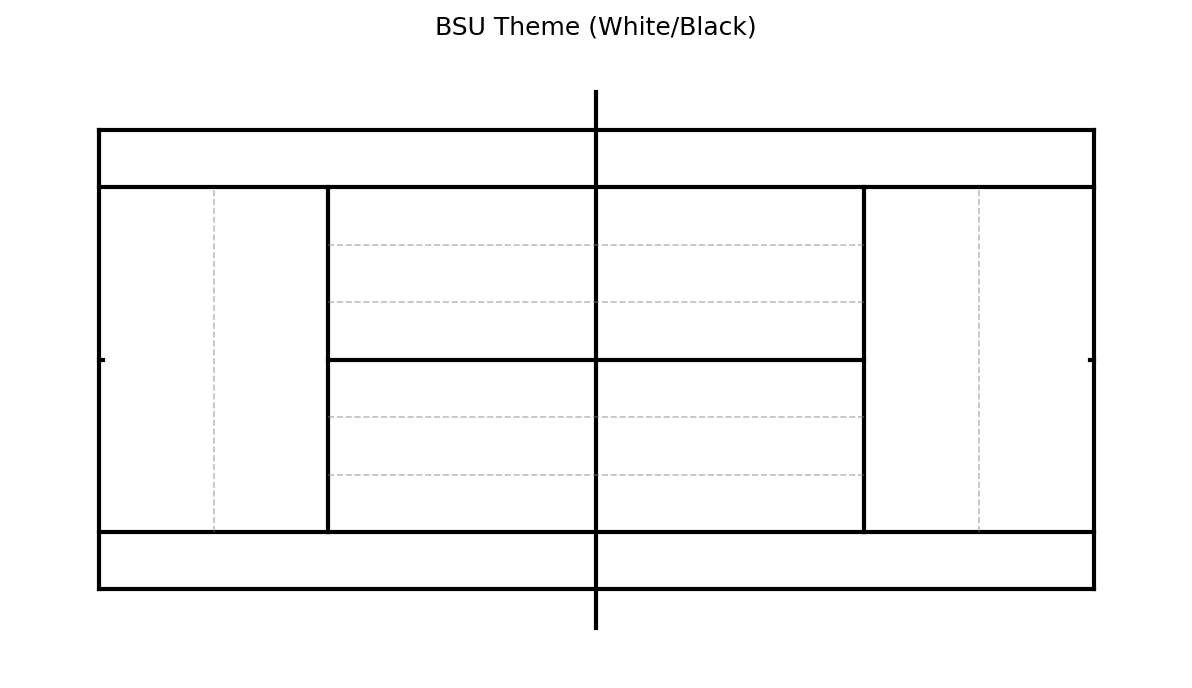
Standard BSU style (White/Black) |
Transparent |
Black |
|
Standard Hard Court (Blue) |
#3C638E |
White |
|
Clay Court (Orange) |
#CC5500 |
White |
|
Grass Court (Green) |
#4B8B3B |
White |
|
Dark Mode (Black/Grey) |
#222222 |
#cfcfcf |
|
Minimal Light Mode |
#f9f9f9 |
Black |
Customizing Elements#
Manual Colors#
You can override themes by setting colors directly:
# Custom White Background, Black Lines
court = TennisCourt(pitch_color='white', line_color='black')
BSU Theme Guidelines#
Service Zones: Dashed vertical lines divide the service box into three equal columns (Wide, Body, T).
Backcourt: A dashed horizontal line bisects the No Man’s Land to help analyze Rally Depth (Deep vs Shallow).
Scatter Styles & Colormaps#
Scatter: Use
SCATTER_STYLESpresets (e.g.,'winner_fh') inscatter().KDE/Heatmap: Use
bsu_red,bsu_blue,bsu_greencolormaps.